

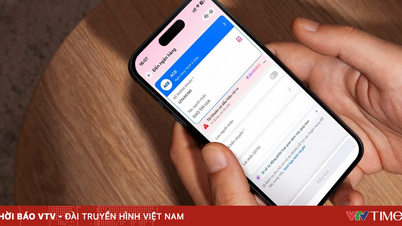
The latest reports indicate that Samsung will add a feature called AppLock, or App Lock, to One UI 7. AppLock will function differently from Secure Folder, a private space the company previously implemented to block access to private applications.
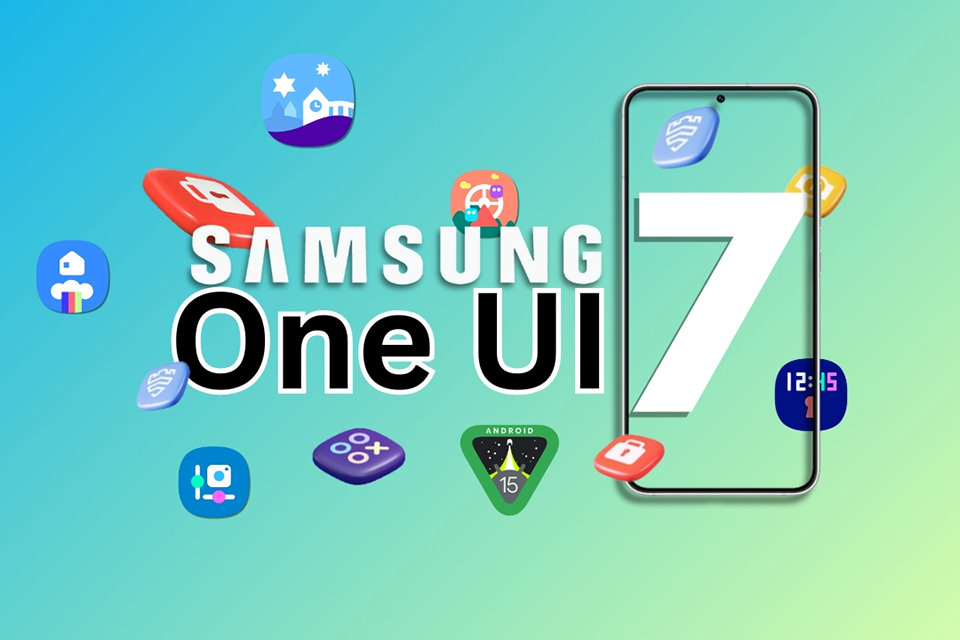
Samsung will be adding many exciting new features to One UI 7.
SAMLOVER SCREENSHOT
So what's the difference? While Secure Folder creates a space to store copies of some apps, AppLock completely locks the main app. This is a very important difference and can be very useful in cases like banking apps or dating apps.
When a user configures Secure Folder on a Samsung Galaxy smartphone or tablet, the tool creates copies of the applications that the user places in this folder. For example, a user can have a private photo library in this folder and even a second Chrome browser… for private access.
On the other hand, AppLock will completely block access to applications that the user configures using this function. This way, users can block access to banking apps, dating apps, and other apps containing confidential information, so even if the user lends their phone, no one will be able to access it.
The first details about AppLock were revealed by Android expert Tarun Vats in a post on X. According to Vats, this feature will be available on all Galaxy devices that receive the One UI 7 update – a custom interface based on Android 15.
Source: https://thanhnien.vn/samsung-se-bao-ve-ung-dung-tot-hon-trong-one-ui-7-185240625214000695.htm

![[Image] Pleasant weather helps students enter the 10th grade entrance exam with confidence.](https://vphoto.vietnam.vn/thumb/1200x675/vietnam/resource/IMAGE/2026/05/29/1780034401612_ngay-1-thi-lop-10-minh-duy-8-5009-jpg.webp)


![[Photo] Ba Lang An Lighthouse - the "eye of the sea" amidst the "rock museum" of Quang Ngai province.](https://vphoto.vietnam.vn/thumb/1200x675/vietnam/resource/IMAGE/2026/05/29/1780038698840_anh-man-hinh-2026-05-29-luc-14-10-42.png)































































































Comment (0)