

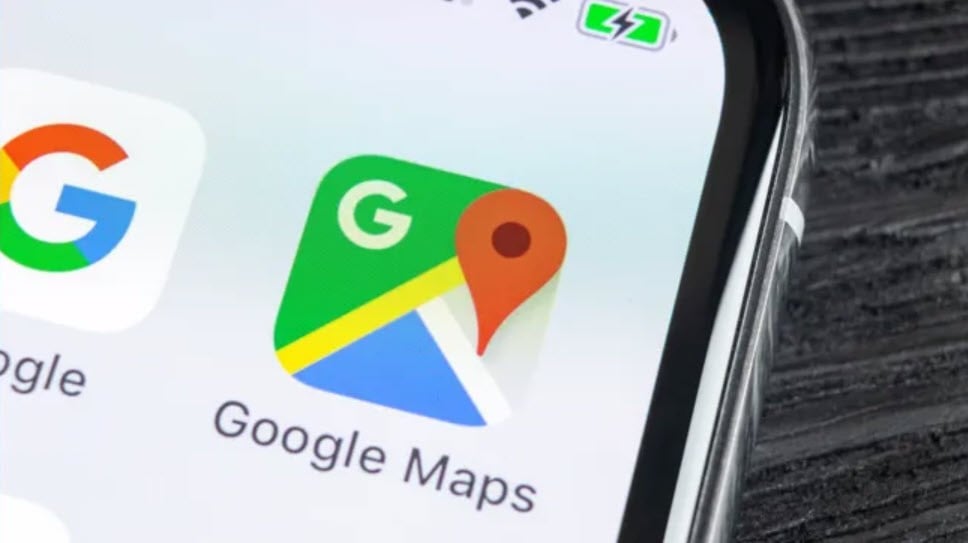
Google has just released a design update for its Maps app on Android, thanks to changes from the Material 3 Expressive interface of Android 16. While the changes aren't major, they will provide a more intuitive and user-friendly experience — especially for Pixel 10 users and compatible devices.
Notable design changes
Core function buttons such as Directions, Start, Ask (Gemini), Save, and Share are now permanently pinned to the bottom of the menu on the screen. Previously, if you scrolled down to the information about a location, you would typically have to scroll back up to use these functions — this has now been fixed.
The location information menu has also been revamped: the information sections are placed in light gray, rounded frames, standing out more against the white background—making them easier to see and clearer to use.
The entire Maps interface, according to the update, focuses on consistency with the Material 3 Expressive design style — softer, more rounded corners, and less of a "flat" and oppressive feel.
Current update status and eligible devices
This design update has begun rolling out in the beta version of Google Maps (version ~25.37.x). Some Pixel 10 Pro users have already seen some of the changes, but it's not yet widespread.
Not everyone will see the changes right away — if you haven't updated or aren't in the beta group, you may have to wait a while for the design update to roll out to your device.
Practical effects and user feedback
Although the changes do not directly affect navigation or location-finding features, they do:
Pinning important function buttons to the bottom makes operation faster, especially when users are viewing lengthy information about a location (e.g., reviews, images, ratings...).
The rounded design and light gray background reduce the glare of the bright white interface, making it easier to see in bright light conditions or inside a car.
In terms of overall experience, such small changes are often not immediately noticeable, but the convenience becomes more apparent with prolonged use.
Notes on usage and waiting for updates.
If you want to experience the new design immediately, you can join the Google Maps beta if it's available for your device. However, beta versions often come with minor bugs and are not as stable as the official release.
Check the version of Maps you're using — if it doesn't have the new feature, check the Play Store for updates, or check out the Google Maps beta.
The change will gradually be rolled out to all Android users — not just the Pixel 10 series. However, the rollout timeframe may vary depending on the region and specific device.
The Material 3 Expressive interface update for Google Maps on Android 16 may not be a "revolution," but it includes subtle and much-needed improvements—making the user experience more pleasant, intuitive, and convenient. Small details like function buttons always appearing at the bottom of the menu or easier-to-read information frames will provide practical benefits. If you're using Android 16 or a compatible device, this is an upgrade worth trying.
According to Toms Guide
Source: https://baovanhoa.vn/nhip-song-so/android-16-mang-den-nang-cap-thiet-design-moi-cho-google-maps-169035.html


































































































Comment (0)