

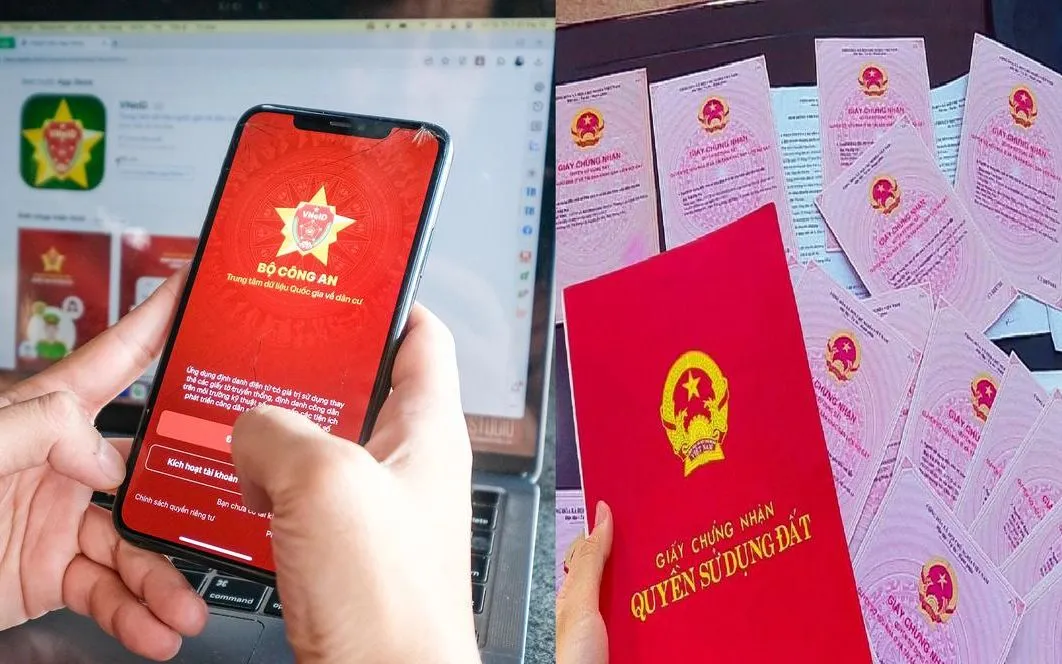
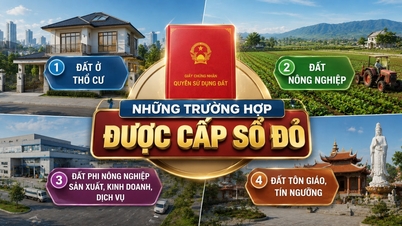
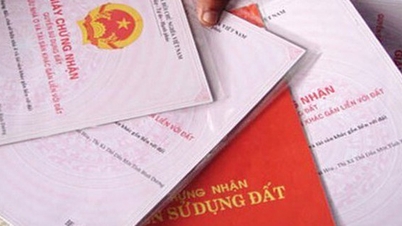
The VNeID electronic identity verification application has just been updated to version 2.2.4, allowing citizens to submit land use right certificates online to "clean up" land and housing data. Previously, people had to photocopy their land title certificates and submit them to the neighborhood leader; now they can do it themselves directly on their phones.
To submit land ownership certificates via VNeID, citizens need a level two identity verification account and must upgrade the application to the latest version 2.2.4.
Instructions for submitting land ownership certificates via VNeID
Step 1: After logging into the VNeID application, users go to the section "Provide information to State agencies" > "Create new" > Select the information: Land use right certificate.
Here, the application will automatically extract the applicant's information, including: the applicant's full name; and their personal identification number.
In cases where the person filling out the declaration is not named on the Land Use Right Certificate, they need to add their full name and the reason for filling it out on behalf of someone else. If the certificate is owned by an organization, the person filling out the declaration should enter the organization's name.
Step 2: Citizens continue to enter information about the Certificate Number and the land plot address on the land title deed. Note that the address will be entered according to the three-level land administration system as before, including province/city; district/county; and commune/ward. Next, citizens enter the current land plot address information according to the two-level land administration system.
Step 3: Citizens upload scanned copies of all pages of the land ownership certificate. Accepted file formats include PDF, PNG, JPG, and JPEG. The maximum total file size is 3.5 MB.
Finally, the person filling out the form clicks the confirmation box to verify the information is correct and submits the request. The VNeID application will display "Information submitted successfully". Citizens can review the declared data in the history section or continue to create a new form, following the same procedure.
The "enrichment and cleaning of the national land database" campaign is a nationwide review and standardization of land data, taking place over 90 days from September to the end of November.
The goal is to ensure that land information is "accurate, complete, clean, and relevant," seamlessly connected with the population database, thereby facilitating transparent management and better serving the people.
Mr. Mai Van Phan, Deputy Director of the Land Management Department, Ministry of Agriculture and Environment , said that when the land database is cleaned up, accurate, and complete, everyone will benefit greatly in the future. In the future, transactions will be conducted directly online, and information about land use rights and property ownership on the land will then be encrypted and integrated into VNeID for people to look up and control.
Regarding the need to clean up land data, Mr. Phan stated that land management has gone through many different periods, each with different management, adjustment, and storage methods, and "is constantly changing without synchronization." State agencies only know the names of land users, while people frequently change documents and arbitrarily change land use purposes, resulting in a lack of synchronization.
New features on the VNeID app
In addition to providing land use right certificate information to state agencies, VNeID version 2.2.4 also updates the features of product traceability lookup; integration of dependents' school records; and integration of passport information.
In addition, the application also updates and adjusts public services: Criminal record checks; Residence registration and management; Issuance and management of identity cards.
The app also includes the National Law Portal, which updates information and news related to the law.
Source: https://vtv.vn/cac-buoc-nop-so-do-tren-vneid-de-lam-sach-du-lieu-dat-dai-10025111218571969.htm













































![[Video] Sunset at Lap An Lagoon – Where the sun sets over the fishing nets](https://vphoto.vietnam.vn/thumb/1200x675/vietnam/resource/IMAGE/2026/05/31/1780192137701_beach-landscape-sea-water-nature-grass-745871-pxhere-com.jpeg)



































Comment (0)