

Want to personalize the Microsoft Edge interface on your computer? With AI, you can easily transform your browser interface into a work of art that reflects your unique style!
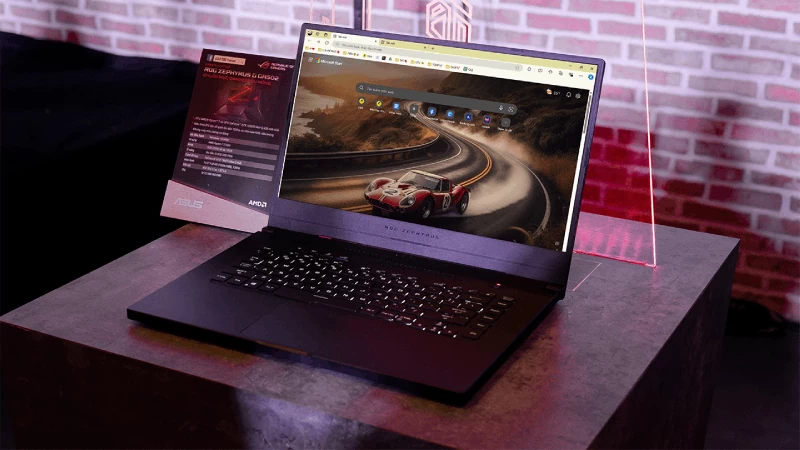 |
Do you want to transform Microsoft Edge's default interface into a browsing space that truly reflects your personal style? With the help of artificial intelligence (AI), creating unique and impressive browser themes is now incredibly easy. Discover how to use AI to turn Microsoft Edge into a work of art that expresses your individuality.
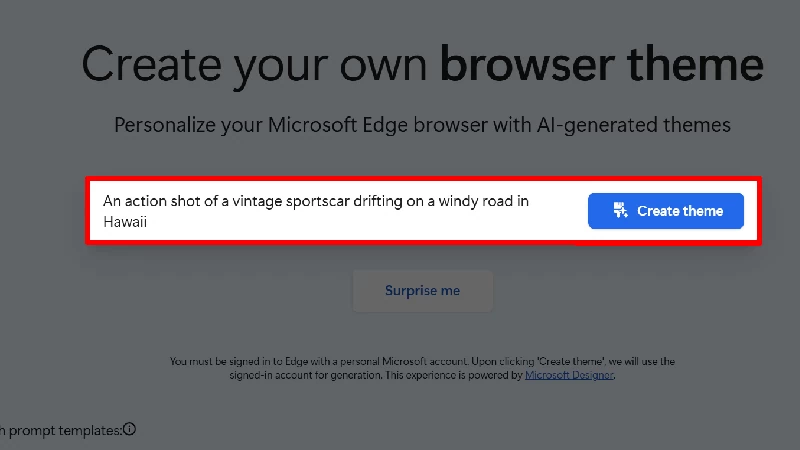
Step 1: Access the link below to go to the AI Theme Generator homepage. Enter your desired theme content and click "Create theme" to generate it.
 |
Step 2: Once complete, select "Apply Theme" to apply it directly in Edge or press "Share" to share it on social media.
 |
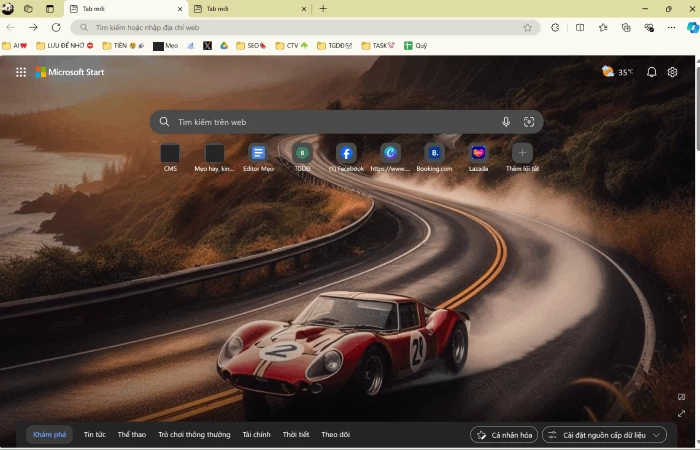
Step 3: This is the interface after I have installed the theme created by AI.
 |
Thanks to AI support, customizing the Edge browser is easier and more enjoyable than ever. With just a few clicks, you can choose unique themes that clearly express your personality and preferences. Feel free to be creative and transform Edge into an inspiring browsing space, keeping you feeling excited and energized every time you visit. Enjoy your great experiences with Edge and its unique AI themes!
Source: https://baoquocte.vn/tao-theme-bang-ai-cho-microsoft-edge-tren-may-tinh-sieu-thu-vi-284392.html

![[Photo] Prime Minister Pham Minh Chinh receives the Governor of Tochigi Province (Japan)](/_next/image?url=https%3A%2F%2Fvphoto.vietnam.vn%2Fthumb%2F1200x675%2Fvietnam%2Fresource%2FIMAGE%2F2025%2F12%2F16%2F1765892133176_dsc-8082-6425-jpg.webp&w=3840&q=75)
![[Live] 2025 Community Action Awards Gala](/_next/image?url=https%3A%2F%2Fvphoto.vietnam.vn%2Fthumb%2F1200x675%2Fvietnam%2Fresource%2FIMAGE%2F2025%2F12%2F16%2F1765899631650_ndo_tr_z7334013144784-9f9fe10a6d63584c85aff40f2957c250-jpg.webp&w=3840&q=75)
![[Image] Leaked images ahead of the 2025 Community Action Awards gala.](/_next/image?url=https%3A%2F%2Fvphoto.vietnam.vn%2Fthumb%2F1200x675%2Fvietnam%2Fresource%2FIMAGE%2F2025%2F12%2F16%2F1765882828720_ndo_br_thiet-ke-chua-co-ten-45-png.webp&w=3840&q=75)
![[Photo] Prime Minister Pham Minh Chinh receives Lao Minister of Education and Sports Thongsalith Mangnormek](/_next/image?url=https%3A%2F%2Fvphoto.vietnam.vn%2Fthumb%2F1200x675%2Fvietnam%2Fresource%2FIMAGE%2F2025%2F12%2F16%2F1765876834721_dsc-7519-jpg.webp&w=3840&q=75)







































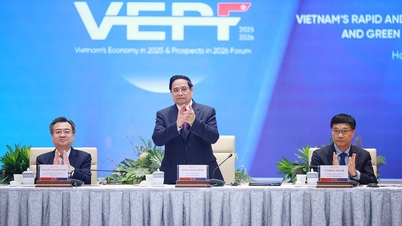
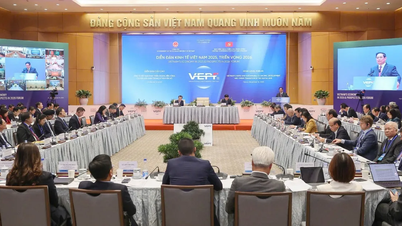
![[Photo] Prime Minister Pham Minh Chinh attends the Vietnam Economic Forum 2025](https://vphoto.vietnam.vn/thumb/402x226/vietnam/resource/IMAGE/2025/12/16/1765893035503_ndo_br_dsc-8043-jpg.webp)



















Comment (0)