

Want to take some amazing photos? From finding the perfect Christmas-themed location and choosing the right outfit to suggesting poses, the Galaxy A56 5G and Gemini Live will help you prepare everything quickly, easily, and perfectly.
Plan your Christmas check-in with Gemini Live.
Instead of scrolling through reviews, simply open Gemini Live and start with a simple request: Who do you want to go with, what kind of atmosphere do you prefer, and which area is most convenient? Gemini will then suggest the rest step-by-step, following your exact requirements.
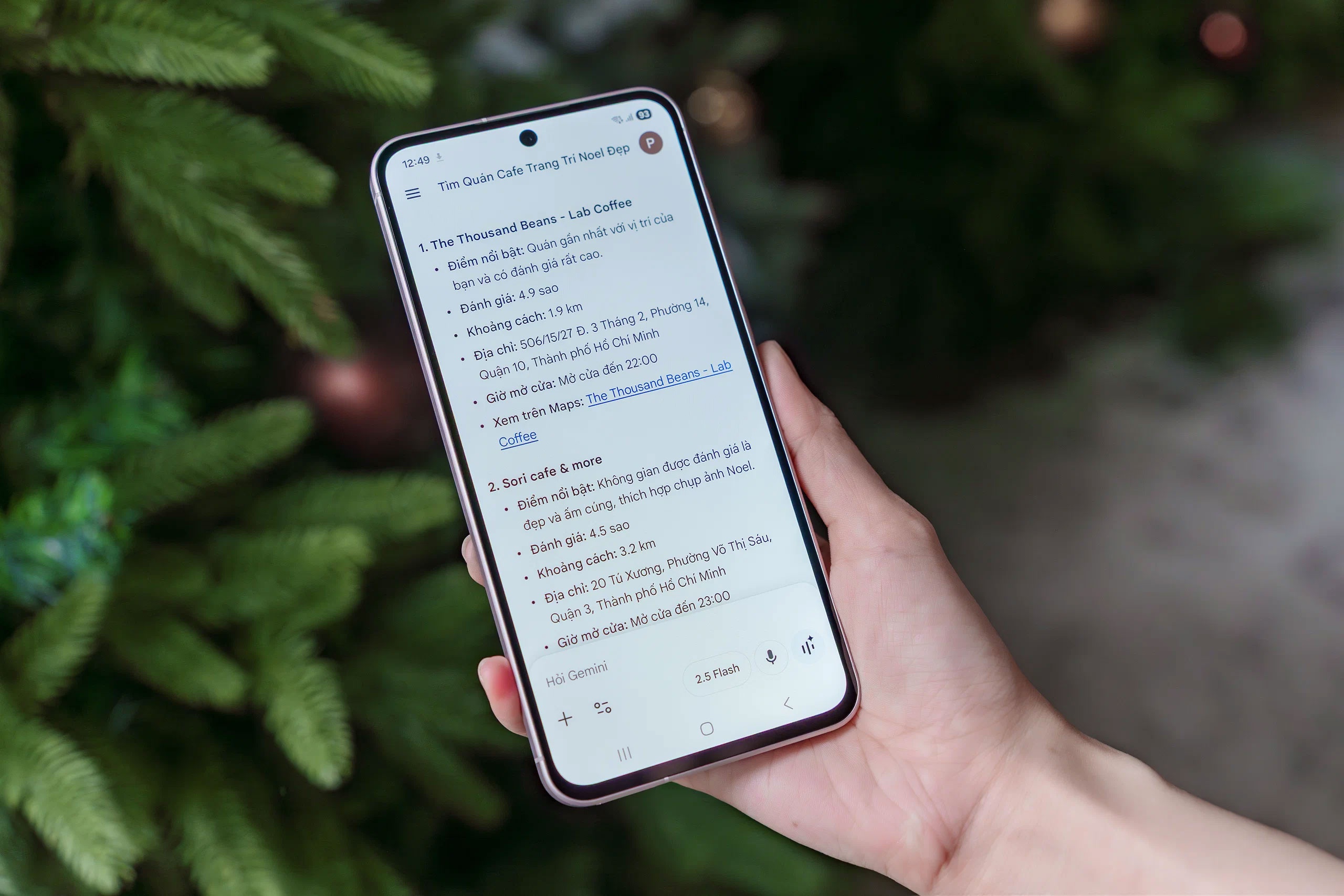 |
Users can easily find Christmas check-in spots with Gemini Live. |
When looking for places to hang out, Gemini Live's strength lies in its Share Screen feature. Instead of giving general answers, this feature can offer more detailed suggestions, such as a place with warm yellow lighting that suits warm-toned outfits, a place with an outdoor area perfect for photos with a Christmas tree and string lights as a background, or a crowded pedestrian street where you should go later to avoid the crowds… You can continue asking questions and refine your requests right within the conversation, choosing one or two places that suit your taste without having to open too many tabs.
After choosing a location, the next step is to "get dressed up." With the Share Camera feature, simply point the camera at your outfit or take a selfie without makeup, and Gemini Live will suggest specific makeup styles, lipstick colors, and hairstyles to match. With your complete outfit, Gemini Live can suggest poses to help you look great in the festive atmosphere.
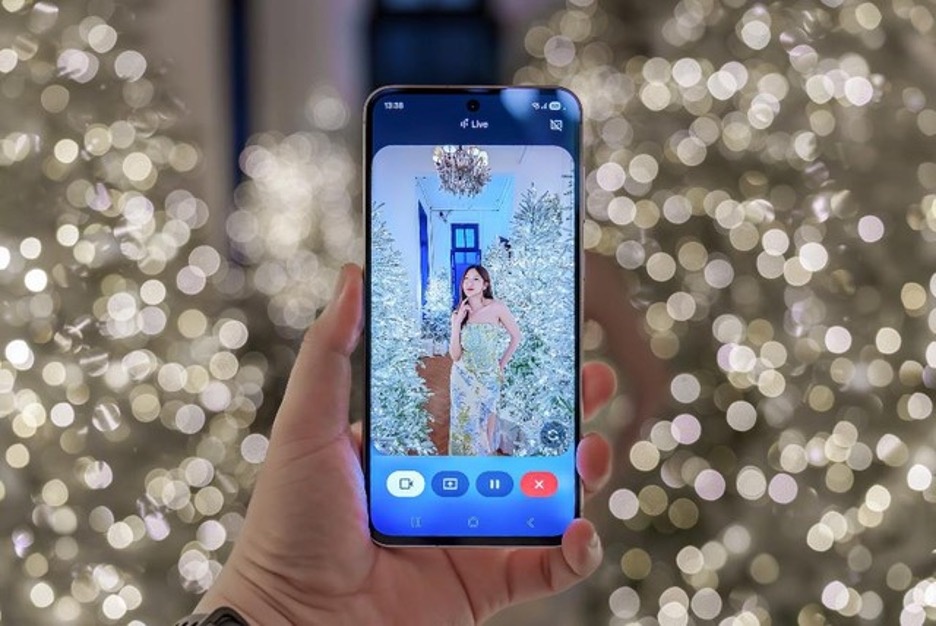 |
Gemini Live provides styling advice based on your outfit via Share Camera. |
Beyond simply suggesting fashion styles and makeup looks, Gemini Live can also suggest suitable photo moods, such as vintage, film-like colors or cool tones reminiscent of European Christmas photoshoots. From there, Gemini Live provides specific posing suggestions, including face orientation and hand/foot positions, to ensure the group doesn't feel awkward in front of the camera.
Enjoy the full spectrum of colors and lights of the Christmas season.
Christmas spaces are typically characterized by warm, golden light. The 50MP camera on the Galaxy A56 5G helps retain all the detail while highlighting the subject in the center of the frame. When shooting close-ups, portrait mode gently separates the subject, preserving natural features without losing the sparkle in the background, creating a warm, intimate, and colorful feel.
  |
The 50MP camera on the Galaxy A56 5G produces sharp and detailed photos. |
In the warm, dim lighting typical of the holiday season, Nightography handles complex lighting conditions well, resulting in less noise and more stable colors. You can shoot indoors in low-light conditions without worrying about dull faces, overexposed backgrounds, or loss of detail. Even with just a quick pop, the image remains clear and captures the essence of the scene.
At a gathering, group photos are almost the hardest "test" because everyone is laughing, talking, and moving constantly. Best Face helps you feel more confident as the camera captures multiple frames and allows you to choose the best expression for each person. The whole group will have a neater and more uniform photo, without needing to take too many shots.
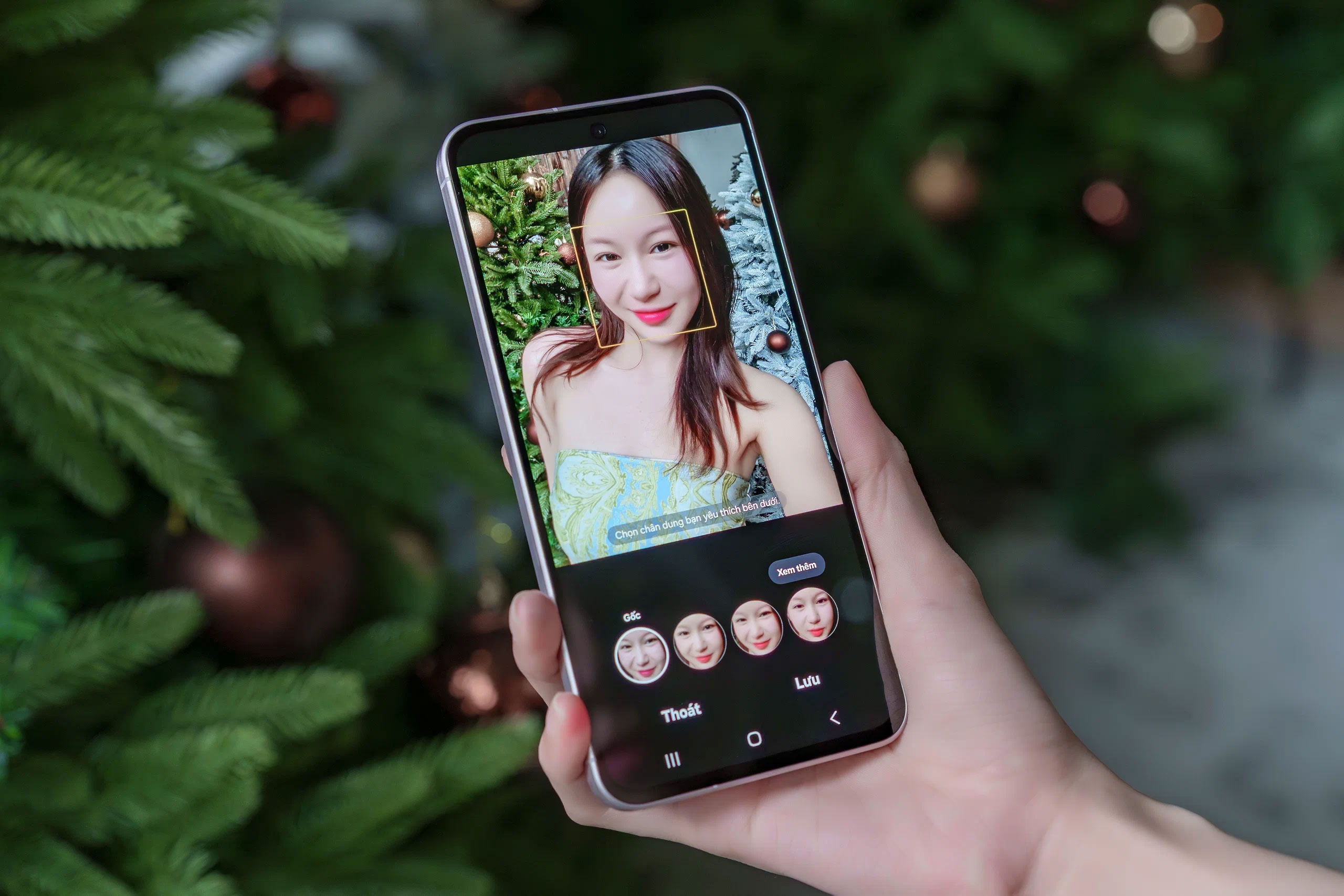 |
Best Face is the "savior" for group photos. |
If you want to capture the atmosphere of the evening with video , the Galaxy A56 5G's image stabilization also helps keep images more stable when rotating between shooting angles or moving through crowded areas. The festive lights are kept at just the right brightness, creating a vivid feeling when viewed again.
Create a photo collection with your own unique style using Create Filter.
After capturing many satisfying photos from different angles, it's time to define the style for the entire album. The Create Filter feature on the Galaxy A56 5G allows you to use an inspiring photo to create a unique filter, maintaining a cohesive emotional flow throughout the series. Simply select the photo with the lighting you like, and the device will analyze the color palette and create a new filter, ensuring that the photos retain the same spirit after shooting or editing.
 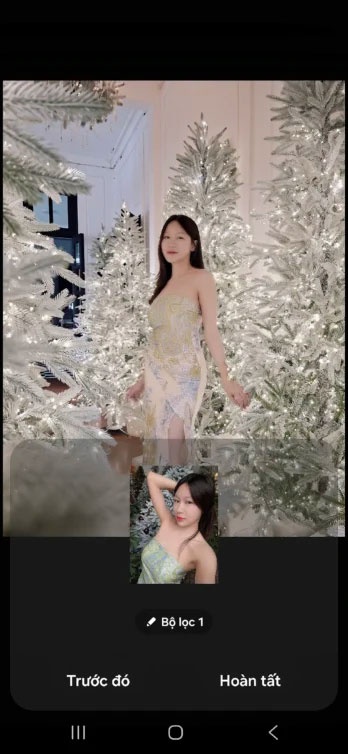 |
Create a unique and consistent filter for your Christmas album in a snap. |
Create Filter is a built-in camera feature that makes it easy to create consistency, even when each photo is taken in different locations and lighting conditions. Whether it's a soft warm tone, a classic film look, or a touch of coolness to evoke a winter feeling, you can create your own unique style without spending a lot of time on post-processing or using third-party apps.
Source: https://znews.vn/check-in-noel-chuan-chinh-with-galaxy-a56-5g-post1611670.html


![[Photo] Two flights successfully landed and took off at Long Thanh Airport.](/_next/image?url=https%3A%2F%2Fvphoto.vietnam.vn%2Fthumb%2F1200x675%2Fvietnam%2Fresource%2FIMAGE%2F2025%2F12%2F15%2F1765808718882_ndo_br_img-8897-resize-5807-jpg.webp&w=3840&q=75)

























































































Comment (0)