


Unwilling to sit idly by while TikTok and Instagram Reels dominate the market, Google has just undertaken a major overhaul of Google Photos, transforming it from a simple storage service into a powerful content creation tool.
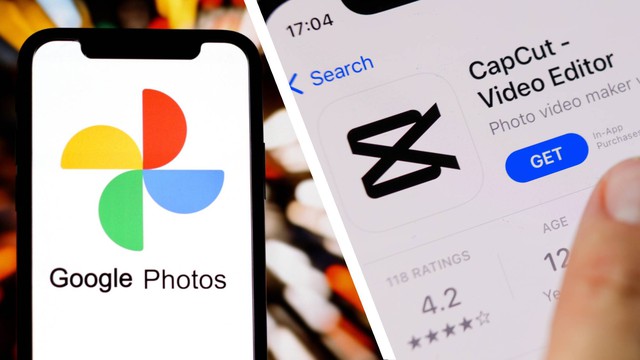
In its latest update, Google Photos has added a range of video editing tools that are considered to be directly "borrowed" from its competitor CapCut.
This move promises to help users create eye-catching short-form videos directly within the default app without needing to download any third-party software. Below are the five most valuable upgrades that have just arrived on Google Photos.

1. Video Templates: This is Google's main weapon to attract users who are not technically proficient in video editing. Users simply select the desired clips/photos, and Google Photos automatically applies pre-made templates (including sound, transition effects, and text) synchronized to the beat. With this feature, a highlight video can be created in just one minute. However, these templates are currently exclusive to Android.

2. Universal Timeline: Google has completely redesigned the editing interface. Instead of the simple sliders of the past, users now have a professional timeline similar to CapCut or Premiere Rush. This feature allows you to get an overview of the entire project, easily trim clips, and drag and drop to change the position of clips intuitively and precisely.

3. Smart music search and insertion: A great video is incomplete without sound. Google Photos now lets you search for music directly within their vast library to choose the melody that best suits the mood of your video, instead of being limited to a few default tracks as before.

4. Diverse Text Insertion Tools: To compete with Instagram Stories, Google offers a set of text insertion tools with various fonts, colors, and eye-catching backgrounds. You can insert text overlays on highlight videos or individual clips to create emphasis.

5. Google Photos is already the default editor on Android: Google aims to make Google Photos the 'go-to' (default) video editor on the Android operating system. When you open any video and tap 'Edit', a new interface with full tools for cutting, splicing, adding text, and adding music will appear immediately.
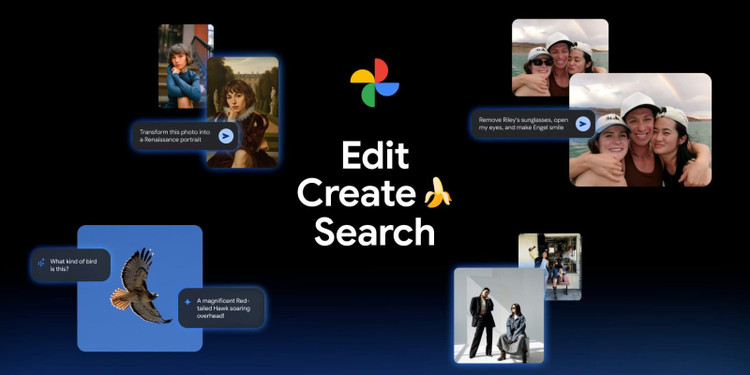
Currently, most of these features are being rolled out widely to Android users and partially to iOS users (except for the Templates feature). If you haven't seen the update yet, please be patient and wait a few days to experience this new creative toolset.
Source: https://khoahocdoisong.vn/google-photos-chuyen-minh-with-5-video-editing-features-post2149075151.html




























































Comment (0)