

Automatic updates
Apple regularly releases iOS updates to patch security vulnerabilities and improve operating system performance. To ensure your iPhone is always protected with the latest measures, enable automatic updates.
You can do this by going to Settings > General > Software Update > Automatic Updates. This feature allows your iPhone to automatically download and install new updates, ensuring that your device is always protected from security threats.
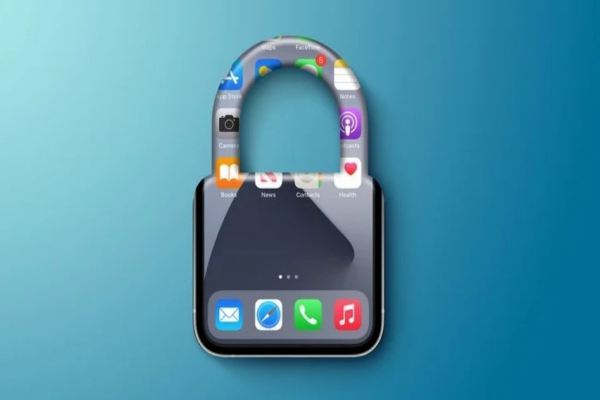
Enabling automatic updates ensures your iPhone is always patched for critical vulnerabilities.
Use strong passwords and biometrics.
Don't underestimate the power of simple, easy-to-guess passcodes. Instead, create a strong passcode that combines letters, numbers, and special characters to protect your device.
In addition, using biometric authentication features like Face ID or Touch ID not only enhances security but also provides convenience when unlocking your device. To enable this feature, go to Settings > Face ID & Passcode or Touch ID & Passcode.
Enable two-factor authentication (2FA).
Two-factor authentication (2FA) is an extra layer of protection for your Apple ID and other accounts. When 2FA is enabled, in addition to your password, you'll need to provide a verification code sent to a trusted device or phone number to log in. This helps prevent unauthorized access even if your password is stolen. To enable 2FA, go to Settings > Your Name > Password & Security > Two-Factor Authentication.
Turn on the Find My feature.
The 'Find My' feature is a useful tool that allows you to remotely locate, lock, or erase data on your iPhone if the device is lost or stolen. To enable this feature, go to Settings > Your Name > Find iPhone and turn on Find iPhone. This is an important measure to protect personal data and increase the chances of recovering your device.
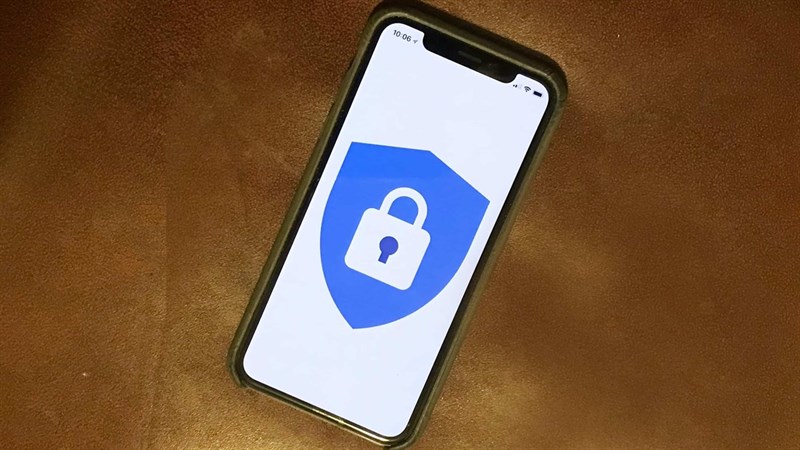
Find My helps protect personal data and increases the chances of recovering your device.
Control application access permissions.
Managing apps' access to your personal information and services is a crucial part of security. In Settings > Privacy, you can adjust app access permissions such as contacts, location, and camera to ensure that only trusted apps have access to your personal information.
Use a VPN
When connecting to public Wi-Fi networks, using a VPN (Virtual Private Network) service can help secure data transmitted over the network and protect your privacy. A VPN encrypts your data and helps you avoid security risks on unsecured networks.
Turn on Wi-Fi network security.
To avoid connecting to insecure or unreliable Wi-Fi networks, enable network security in Settings > Wi-Fi and only connect to networks with WPA2 or WPA3 security. This helps protect your data from theft or hacking when using public networks.
Reset network settings
If you're experiencing connection issues or suspect incorrect network configurations, reset your network settings to restore them to their default state. You can do this in Settings > General > Reset > Reset Network Settings.
By implementing these security settings, you can enhance the protection of your iPhone and personal information. Don't forget to check and update your security settings regularly to ensure your device is always best protected.
PV
Source: https://www.congluan.vn/nhung-cai-dat-quan-important-บน-iphone-ban-can-bat-post306404.html

















![[INFOGRAPHIC] Huawei FreeBuds 7i, Noise-Canceling Headphones 4.0](https://vphoto.vietnam.vn/thumb/402x226/vietnam/resource/IMAGE/2025/12/13/1765633184506_info-tainghechongon-02-jpg.webp)












































































Comment (0)