

 |
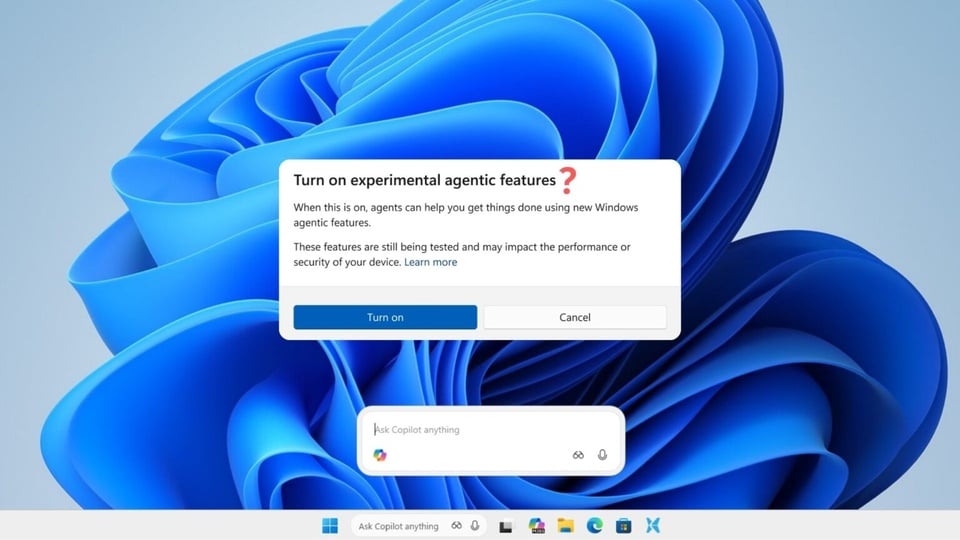
The Windows 11 screen requests permission to use the AI agent. Image: Windows Latest . |
Over the past few weeks, Microsoft has been trying to integrate AI agents into Windows. But even in its own documentation, the company acknowledges that this technology can be prone to "hallucinations," behave unpredictably, and be fooled by types of attacks that didn't exist a year ago.
In mid-October, Microsoft announced it was “turning every Windows 11 PC into an AI PC.” The company launched a series of new AI integrations designed to enable “conversation,” allowing the computer to see what’s on the screen and act on its behalf.
Integration despite the risks.
The latest moves aim to transform the Windows 11 taskbar into an AI hub. The Windows 11 search box is being replaced with an “Ask Copilot” interface, allowing users to access Copilot with a single click or command. This enables users to monitor which agents are running background tasks, much like managing regular applications.
Microsoft also doesn't pretend that this technology is safe or error-free. The company's official documentation warns that AI agents "have functional limitations in how they behave and can sometimes hallucinate, producing unexpected results."
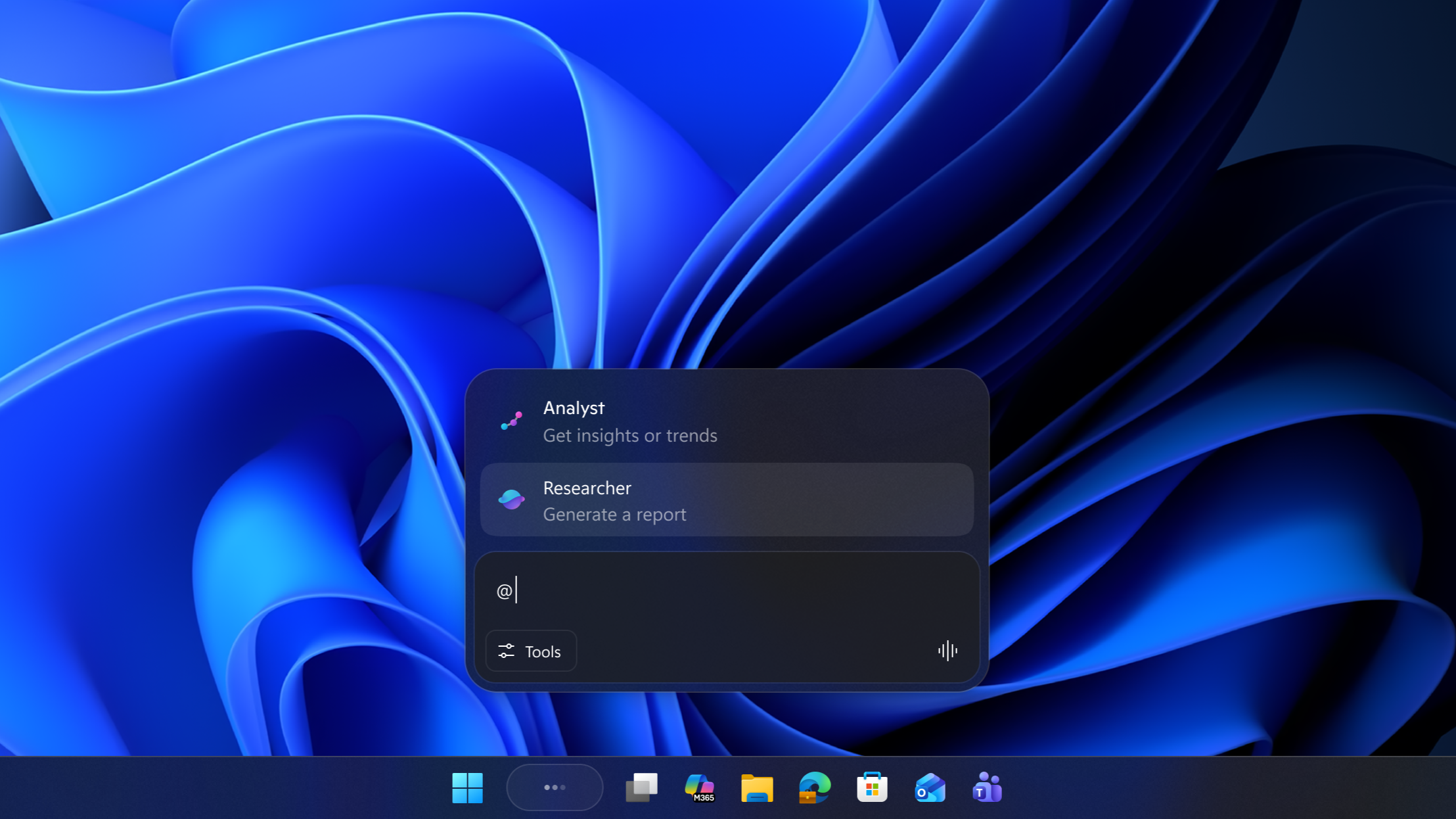 |
The taskbar after integrating the AI agent. |
One of the biggest risks mentioned is Cross Prompt Injection (XPIA). In this, an AI agent is tricked by malicious content embedded in user interface (UI) components, documents, or applications. This content can override original instructions and force the chatbot to perform harmful actions such as copying sensitive files or leaking data.
Security researchers have warned that AI agents based on graphical interfaces are particularly vulnerable to this type of indirect attack, as they are often granted very high privileges. While Microsoft has been transparent about the risks, Copilot has recently faced intense criticism regarding privacy and is unlikely to gain immediate acceptance.
Microsoft claims that the agents will run under separate accounts with limited privileges and anti-editing logs. However, they will still have read and write access to some of the most private locations on the PC, such as Documents, Downloads, Desktop, Videos, Pictures, and Music.
The ambition is to have AI replace all tasks.
Agent Workspace is the backbone of Microsoft's vision for an Agentic OS (an operating system powered by AI agents). Windows 11 can now create separate sessions for these agents, promising to perform functions such as file editing and document moving without user intervention.
Each agent will have its own standard account on the PC, essentially existing in a parallel Windows environment but without directly impacting the main session. Inside, the chatbot interacts with applications like a human, such as clicking interface buttons, typing text, scrolling windows, dragging and dropping files, and performing multi-step tasks.
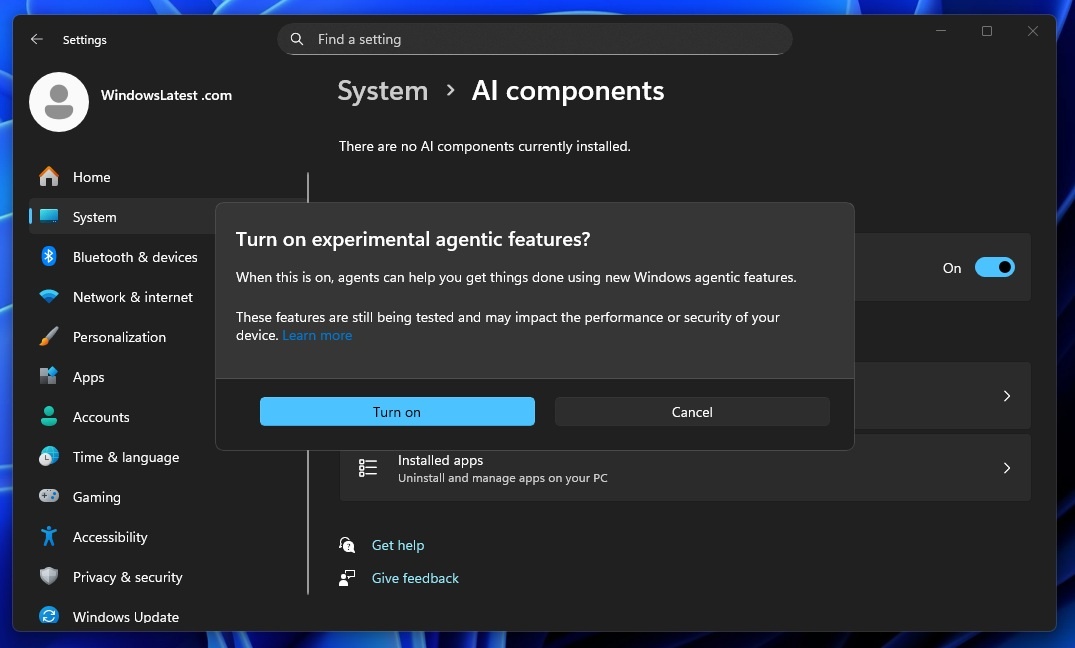 |
How to enable AI-related features on Windows 11. |
Agent Workspace is responsible for deciding what will be displayed to agents. Microsoft also uses Access Control Lists to prevent accounts from exceeding their privileges. To enable any of these features, users need to activate Experimental Agentic Features, which are disabled by default.
For Microsoft, integrating AI into PCs is an irreversible step in the face of fierce competition. Apple is also working hard to develop Apple Intelligence, especially as it plans to use a customized version of Gemini. Google is also planning to enter the PC market with Aluminium OS.
While Apple's upcoming budget MacBook, with its full Apple Intelligence suite, is generating much discussion, Windows 11 has already been criticized for its cumbersome nature and slower processing speeds. Microsoft's previous AI feature, Recall, has also faced backlash due to its poor security.
An "agentic" operating system is perhaps inevitable for all vendors. However, according to Window Latest, the key lies in the implementation, and Microsoft will need to regain user trust in its AI technology.
Source: https://znews.vn/microsoft-bat-chap-rui-ro-post1607379.html


![[Photo] General Secretary and President To Lam presides over a meeting with the Central Organizing Committee.](https://vphoto.vietnam.vn/thumb/1200x675/vietnam/resource/IMAGE/2026/06/03/1780482764658_a1-bnd-4741-3342-jpg.webp)
![[Photo] Secretary of the National Assembly Party Committee, Chairman of the National Assembly presides over the meeting of the Standing Committee and Executive Committee of the National Assembly Party Committee.](https://vphoto.vietnam.vn/thumb/1200x675/vietnam/resource/IMAGE/2026/06/03/1780480353201_ndo_br_bnd-2585-jpg.webp)








































![[Video] Sunset at Lap An Lagoon – Where the sun sets over the fishing nets](https://vphoto.vietnam.vn/thumb/1200x675/vietnam/resource/IMAGE/2026/05/31/1780192137701_beach-landscape-sea-water-nature-grass-745871-pxhere-com.jpeg)































Comment (0)