

Windows operating systems often encounter problems during updates. Some of the problems are so serious that users are unable to use their devices.
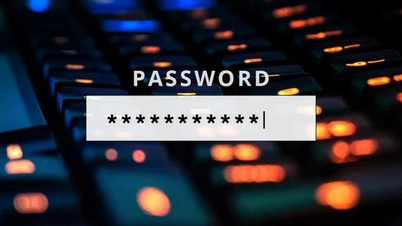
This time, the trouble is for users who set a login password for Windows 11. A silly bug causes the password entry dialog box to "invisible" on the Windows Hello interface. However, this problem comes from Microsoft's own efforts, since version 22H2, they have tried to enable password-free experiences.
This issue makes it difficult to log in to your Windows 11 computer. While the bug doesn't completely prevent you from logging in, it can be a nuisance, especially for those who use passwords.

Once Windows Hello is set up, users are usually prompted to enter a PIN immediately. However, if they need to switch to using a password, they have to click "show sign-in options" to see a series of icons, including a password key icon. Selecting this icon opens a text field that allows you to enter a password and return to the main screen.
In a statement, Microsoft confirmed an issue with Windows 11 that causes the password icon to be completely hidden. This issue specifically affects people who have configured Windows Hello methods like a PIN or fingerprint reader, but sometimes need to use an alternative password, such as forgetting the PIN or having problems with the fingerprint reader.
Notably, Microsoft said the issue wasn't just with a recent update, but also affected many computers that had cumulative updates installed since August 2025, starting with the preview update and continuing through the November 2025 releases.
If the computer is already updated, it is likely that the user will encounter this error.
According to Microsoft, the password button does indeed still work, but is just invisible. Users will have to move the mouse cursor to the location where the icon should be.
If they click in the right place, they will find the button clickable, which will open a dialog box to enter their password. However, users will have to “guess” where the icon is, which creates a bad user experience, especially when they need to log in quickly.
Many people have pointed out that Windows often crashes, especially after major updates. For example, the October 2025 patch caused a serious problem in the Windows Recovery Environment, leaving users unable to use their mouse or keyboard. Microsoft had to issue an emergency patch to fix the problem.
Overall, the difficulty in accessing the login password field is a serious issue that affects the core functionality of the operating system. It is clearly an issue that Microsoft needs to prioritize to fix to ensure a better user experience.
Source: https://khoahocdoisong.vn/nut-nhap-mat-khau-dang-nhap-tang-hinh-tren-ban-cap-nhat-windows-11-post2149074445.html
































































































Comment (0)