

iOS settings have battery protection mechanisms that help reduce wear and tear over time. These are called Optimized Battery Charging and are limited to 80%. Each function has specific goals, but choosing which one truly helps maintain iPhone battery health is a concern for many iPhone users.
Optimized battery charging
For many years, iPhones have had Optimized Battery Charging enabled by default. This way, from day one, the iPhone proactively protects the battery's health.
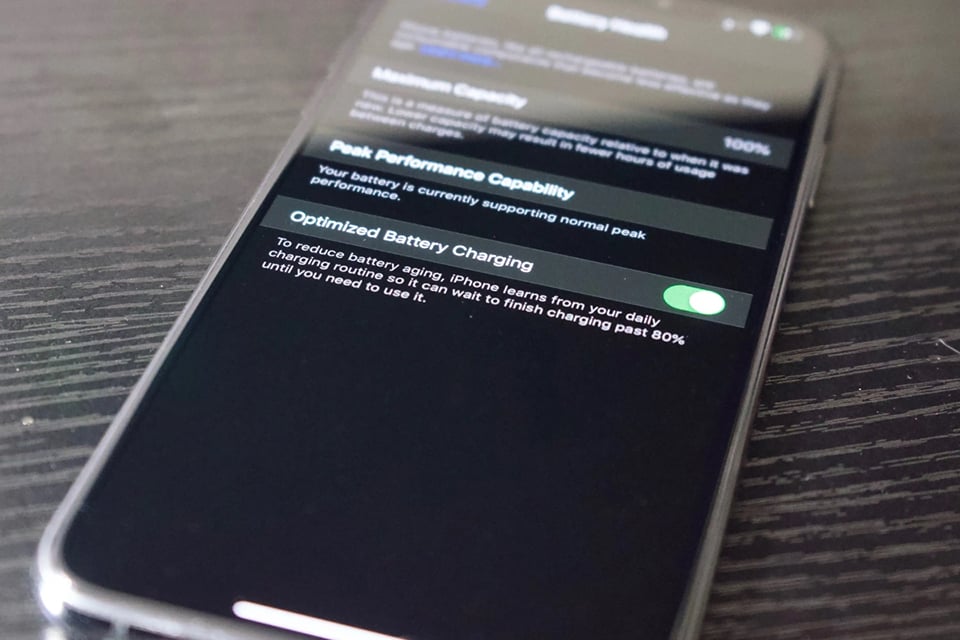
iPhones will learn users' charging habits to optimize battery charging.
What does it include? To understand it perfectly, consider the following example:
- You go to bed at 11 PM and wake up at 7 AM.
- You charge your iPhone overnight and begin charging.
- The iPhone will maintain a maximum charge level of 80% until one hour before you wake up, at which point it will increase the battery to 100%.
Therefore, with optimized charging selected, we avoid leaving the iPhone at 100% for many hours, which is one of the actions that most significantly reduces battery life. The most important thing for optimized charging to be effective is to maintain a similar charging schedule each day, especially prioritizing overnight charging. This way, the iPhone will know when the user can pause charging and resume charging to reach 100%.
Is limiting charging to 80% reasonable?
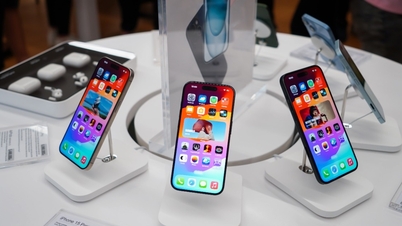
Now let's start with one of the most recent features, introduced on the iPhone 15, where users can choose to limit charging to 80%. This way, the iPhone will never charge beyond 80%, no matter how many hours the user charges it.
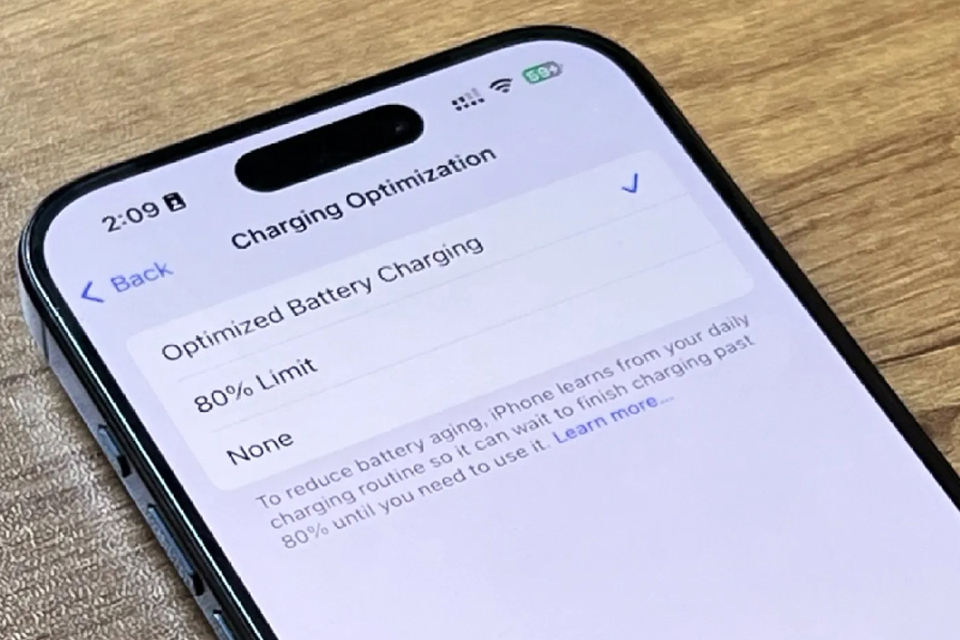
The 80% charge limit is a new feature on the iPhone 15.
The point is, users need to occasionally let their iPhone charge to 100%, as this is intended to help calibrate the battery percentage. This 80% charge limit feature is ideal for those who charge their iPhone multiple times a day and want to ensure that the charge never stays at 100% for too long.
If the user intends to keep the battery in optimal condition for as long as possible, enable this option. However, remember to consider how many years you plan to use that iPhone model and whether the 80% limit is sufficient for a full day of battery life.
Which battery settings should I choose?
However, this is the most controversial part. Limiting the charge to 80% means the iPhone has 20% less battery capacity than its default capacity. That's why the most interesting option is to enable Optimized Battery Charging and enjoy the iPhone at 100% capacity for a year or two. And when it degrades, users still get a similar experience to an 80% charge.
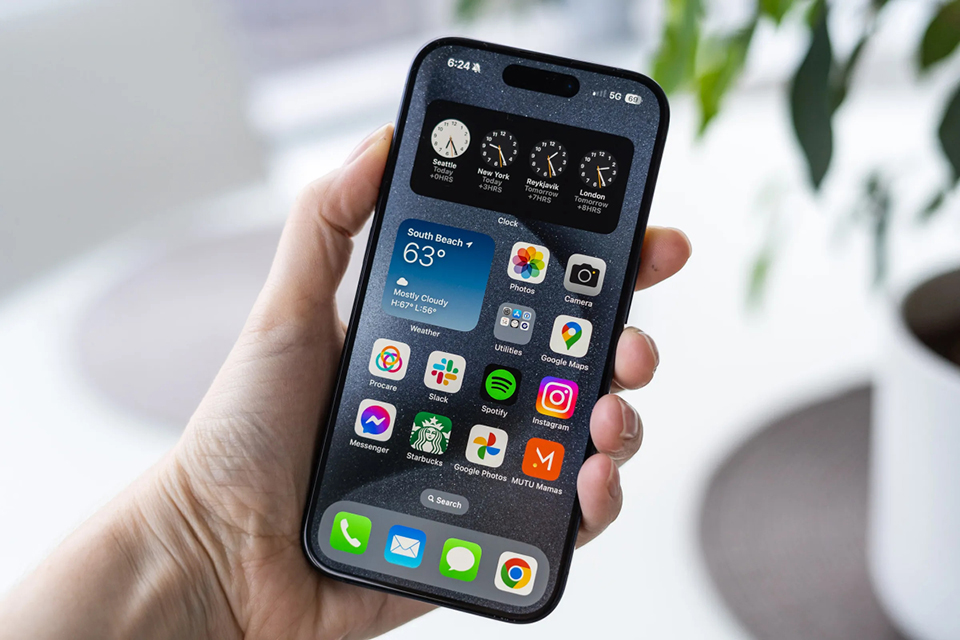
Optimized battery charging is a feature that is recommended to be prioritized.
On the other hand, this is something we have to accept. Battery life in iPhones, electric cars, or any other device is inevitable. After daily use, it will degrade regardless of how many settings we activate, which only help delay wear and tear, but eventually the battery will need replacing.
In general, users are advised to enable Optimized Battery Charging and carry an iPhone charger regularly.
Source link


![[Photo] Prime Minister Pham Minh Chinh attends the Conference summarizing and implementing tasks of the judicial sector.](/_next/image?url=https%3A%2F%2Fvphoto.vietnam.vn%2Fthumb%2F1200x675%2Fvietnam%2Fresource%2FIMAGE%2F2025%2F12%2F13%2F1765616082148_dsc-5565-jpg.webp&w=3840&q=75)






























































































Comment (0)