

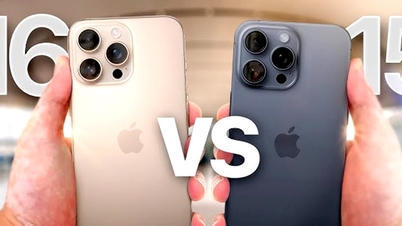
While the technology market in general, and the smartphone market in particular, has become saturated, the iPhone continues to attract the attention of users.
To check if the iPhone you are using is genuine, let's find out in the content of the article below.
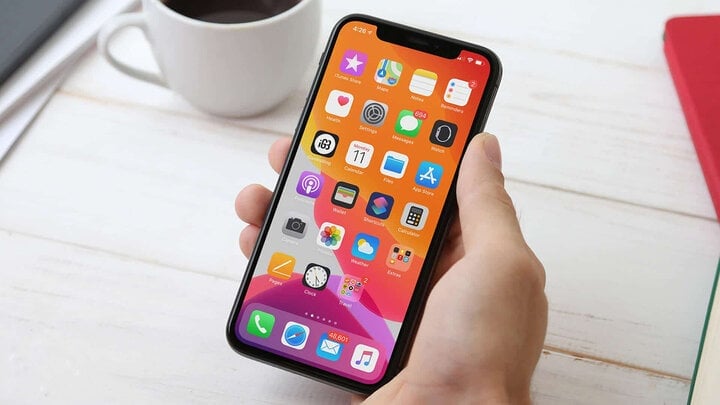
How to check if an iPhone is genuine.
Carefully check the machine's appearance.
When you receive the phone, you should carefully check its appearance. Important parts to check include the screen, back cover, phone bezel, speaker, front and rear cameras, charging port, volume buttons, and power button.
Additionally, you should check the touchscreen, display quality, color accuracy, and test the camera and audio to ensure the iPhone you're buying is free of defects and meets your requirements.
Check using iPhone IMEI
Step 1: Go to Settings > General > About.

General Settings > About.
Step 2: In the IMEI section, you will see the IMEI number displayed on the right.
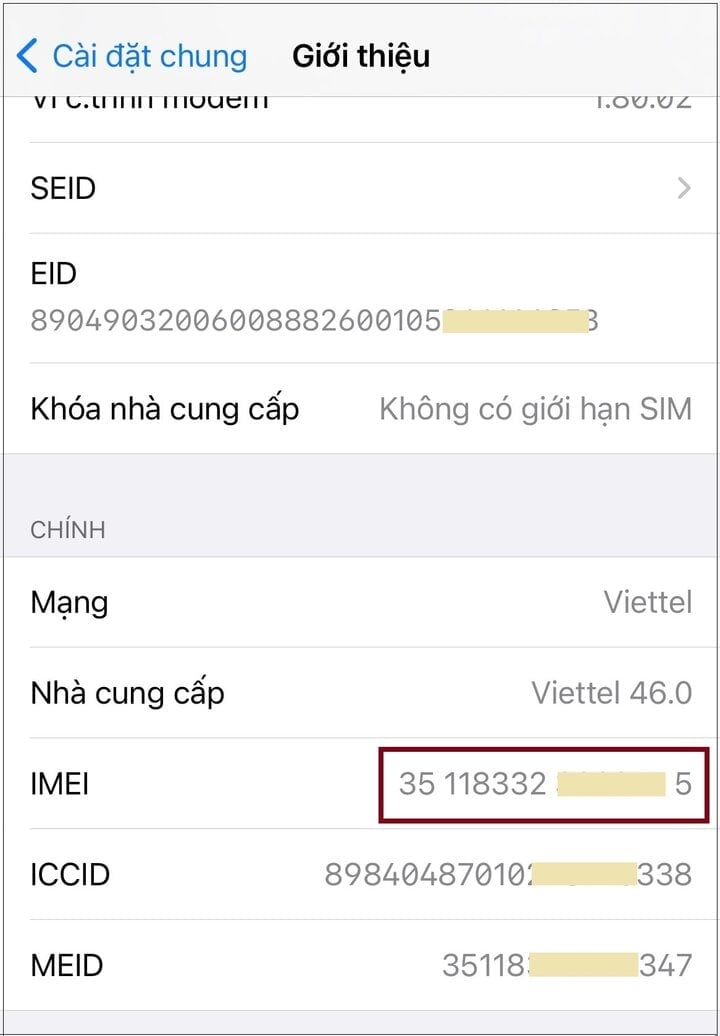
Copy the IMEI number.
Step 3: Go to checkcoverage.apple.com/vn/en > Enter your iPhone's 15-digit IMEI number in the "Enter your serial number" field and the code, then click Continue.

Enter your iPhone's IMEI number > Enter the code > Select Continue.
If your phone is a genuine Apple iPhone, the screen will display product information and warranty details.
Check the serial number.
Step 1: Go to Settings > General > About.
Step 2: In the Serial Number section, you will see the serial number displayed on the right.

General Settings > About > Serial Number.
Step 3: Go to checkcoverage.apple.com > Enter the serial number you just saw in the blank field > Then enter the code provided in the field below to confirm > Select Continue.

Enter the serial number > Enter the code > Select Continue.
If the iPhone is genuine, detailed specifications will be displayed, along with the remaining warranty period. To ensure it's a brand new device, you should compare it with the store's warranty information.
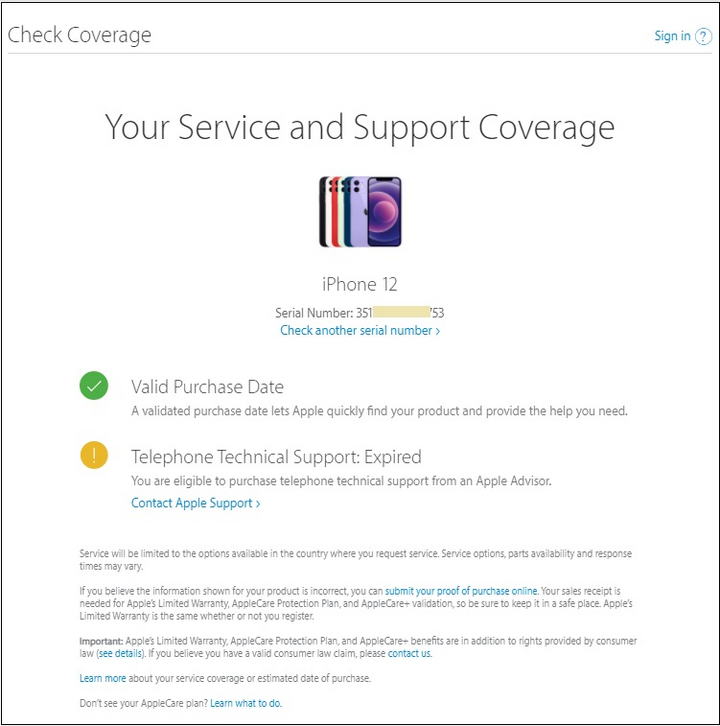
Information about genuine iPhones.
Source
























![[Photo] Prime Minister Pham Minh Chinh holds a phone call with the CEO of Russia's Rosatom Corporation.](/_next/image?url=https%3A%2F%2Fvphoto.vietnam.vn%2Fthumb%2F1200x675%2Fvietnam%2Fresource%2FIMAGE%2F2025%2F12%2F11%2F1765464552365_dsc-5295-jpg.webp&w=3840&q=75)











































Comment (0)